CUSTOMER & PROPERTY PORTAL
Your property & maintenance portal.
Stay connected with Minphuin LLC — from the first repair request to the final invoice.
Already a customer? View invoices ↓View your invoices
For customers, landlords, and property managers. Enter your email and assigned PIN, or use your customer account password.
Need help signing in? Contact Minphuin LLC
CONNECTED PROPERTY CARE
Less chasing updates.
More clarity for your properties.
Give everyone a clear place to request work, share information, and follow what happens next.
Property managers
Keep maintenance organized across the properties connected to your account.
- Review requests requiring your approval.
- Follow repair progress and property conversations.
- Review invoices, balances, and payment history.
Landlords
Stay connected to your rental properties, wherever your day takes you.
- Send maintenance requests with photos.
- Review requests requiring your approval.
- Keep messages and service invoices together.
Tenants
Report a concern and follow your maintenance requests from your phone.
- Describe the issue and attach photos.
- Share access instructions and preferred visit times.
- Follow updates and messages for your requests.
Access follows your role. Invoice and billing information is reserved for authorized customers, landlords, and managers.
A LOOK INSIDE WORK ORDER MP
Property details.
Progress updates.
Conversations that stay together.
Keep the information for your maintenance requests close at hand, from the details you send to the updates you receive.
Explain what needs attention with photos, access instructions, and preferred visit times.
Review repair updates and keep property conversations in one place.
Authorized landlords and managers can view balances and payment history.
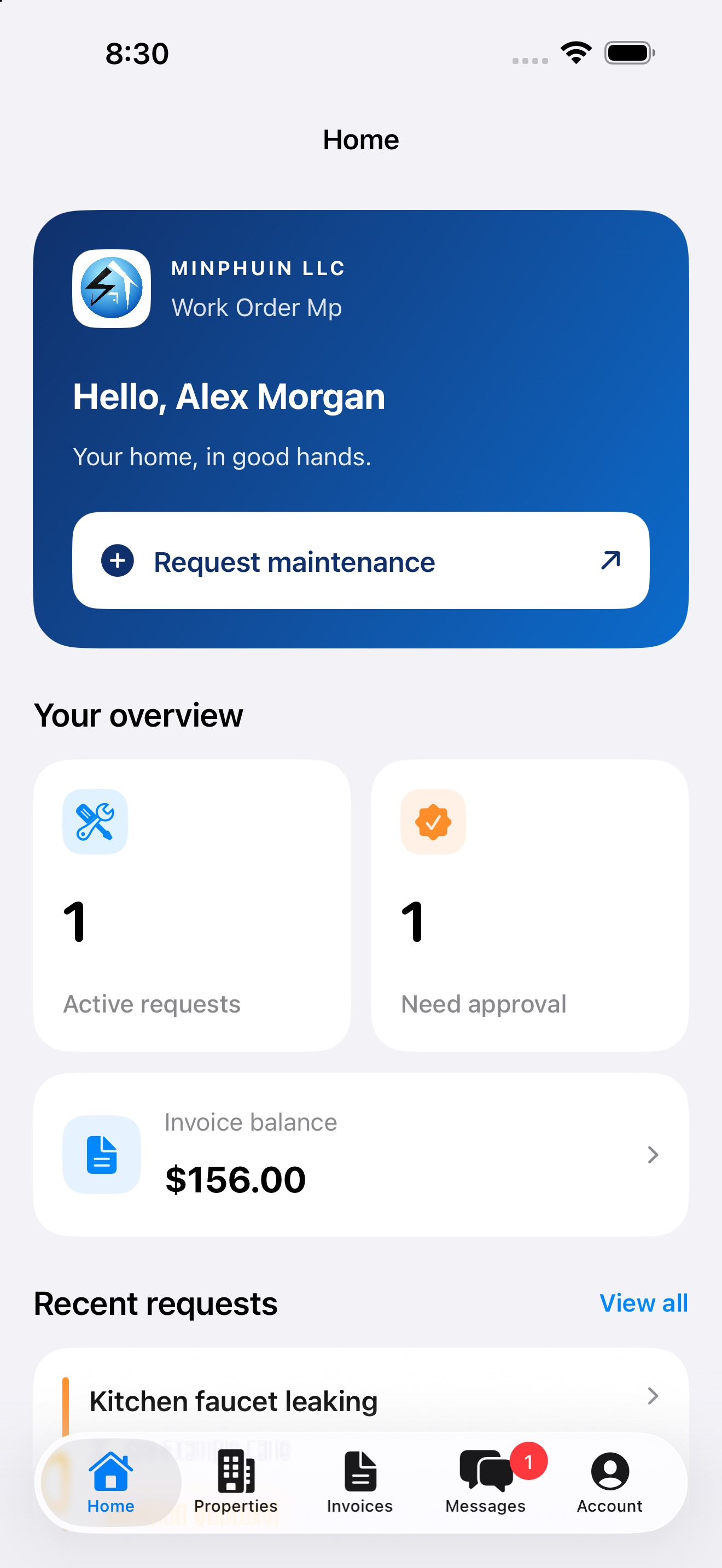
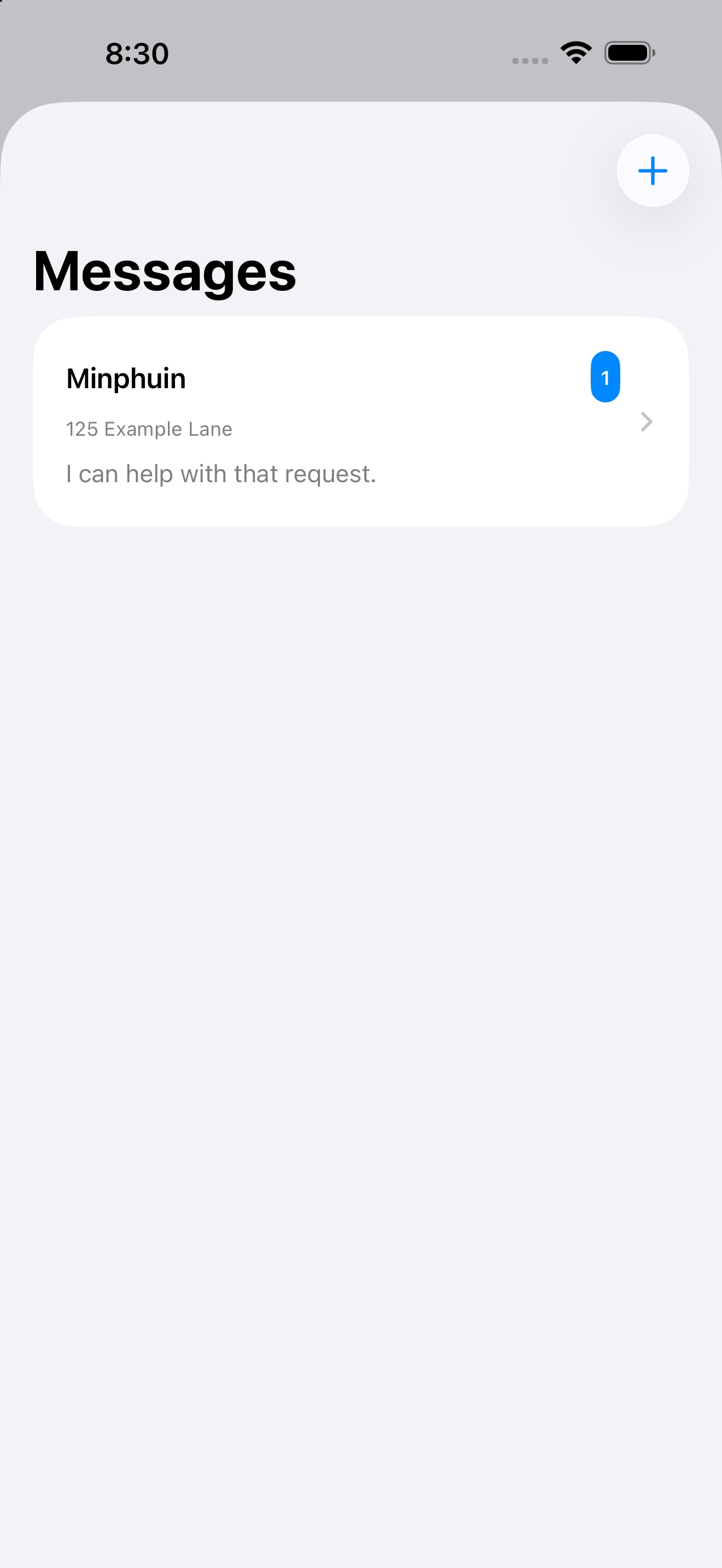
App previews use fictional sample information.
GET CONNECTED
Three steps to get started.
- 01
Download the app
Install Work Order Mp on your iPhone.
- 02
Connect your account
Sign in with your existing Minphuin account or accept your tenant invitation.
- 03
Stay connected
Access the properties, requests, messages, and invoices available to your role.
Need account access? Contact Minphuin LLC →
A few things to know.
Can I use my existing Minphuin account?
Yes. Use your existing customer account to sign in. If you need help connecting your account or properties, contact Minphuin LLC. Website invoice access remains available using your assigned PIN or customer account password.
How does a tenant get access?
Tenant access is invitation-based. Ask your landlord or property manager to arrange an invitation for your assigned property.
Can tenants see invoices?
Tenant accounts focus on maintenance for their assigned property. Invoice and billing access is reserved for authorized customers, landlords, and managers.
Can I still view invoices on this website?
Yes. Use the invoice sign-in form above. You do not need to download the app to view your invoices here.
What if I need help signing in?
Contact Minphuin LLC for account help. Please do not send your password.
WORK ORDER MP
Your next repair starts with a clear request.
Stay connected to your property maintenance with Minphuin LLC.

An existing account or tenant invitation is required. Maintenance services are subject to service-area availability and agreed scope.